4 thoughts on “Share One Organizational Tip For Children’s Leaders”
Sarah Mathewes
My tip for staying organized would be to keep a church wide calendar that all staff has access to and regularly updates. It is so helpful in planning events to see what days/times/rooms will be available up front. Here at HFC we use Asana, which has a Google App tie in; our Office Admin Team receives the event requests, emails out to check availability,then adds it to our Asana task “Calendar” which auto-syncs with our Google calendar. It’s the best!
Building Young Disciples,
Sarah Marie
Michael Bayne
This is so helpful…when the whole team understand the big picture we can support each other. Thanks!
Tim Drury
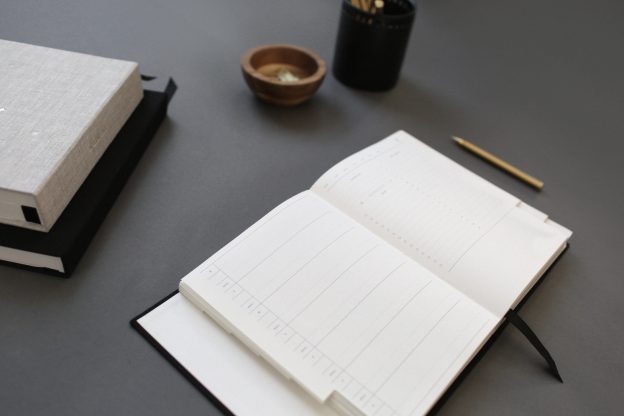
I have made myself a planner with the help of my organized wife. Each week at the top of the planner is a section that has all the ministries or areas of life I’m responsible for. I write out all the things I need to get accomplished in a given week in these given areas. Then I schedule those projects or appointment in the daily section of the planner. This helps me juggle the for major ministries I oversee, appointments, and my personal life. But all this organization falls a part when I don’t work the system or forget my planner at home. Hope this helps you friends!
Sarah Mathewes
Thanks Tim! Is this a digital planner, or a physical planner. I think a physical one by the way you describe it. I tried that, but as you say, if you accidentally leave it behind… I switched to a digital one, that has an app on my phone. It has been wonderful! You can view as a task list, or as a calendar. You can create projects, tasks, sub tasks, all with their own comments and details boxes. And you can color code. I have really enjoyed using it. There was a learning curve, but it was pretty quick.


My tip for staying organized would be to keep a church wide calendar that all staff has access to and regularly updates. It is so helpful in planning events to see what days/times/rooms will be available up front. Here at HFC we use Asana, which has a Google App tie in; our Office Admin Team receives the event requests, emails out to check availability,then adds it to our Asana task “Calendar” which auto-syncs with our Google calendar. It’s the best!
Building Young Disciples,
Sarah Marie
This is so helpful…when the whole team understand the big picture we can support each other. Thanks!
I have made myself a planner with the help of my organized wife. Each week at the top of the planner is a section that has all the ministries or areas of life I’m responsible for. I write out all the things I need to get accomplished in a given week in these given areas. Then I schedule those projects or appointment in the daily section of the planner. This helps me juggle the for major ministries I oversee, appointments, and my personal life. But all this organization falls a part when I don’t work the system or forget my planner at home. Hope this helps you friends!
Thanks Tim! Is this a digital planner, or a physical planner. I think a physical one by the way you describe it. I tried that, but as you say, if you accidentally leave it behind… I switched to a digital one, that has an app on my phone. It has been wonderful! You can view as a task list, or as a calendar. You can create projects, tasks, sub tasks, all with their own comments and details boxes. And you can color code. I have really enjoyed using it. There was a learning curve, but it was pretty quick.